01
Start with your existing database
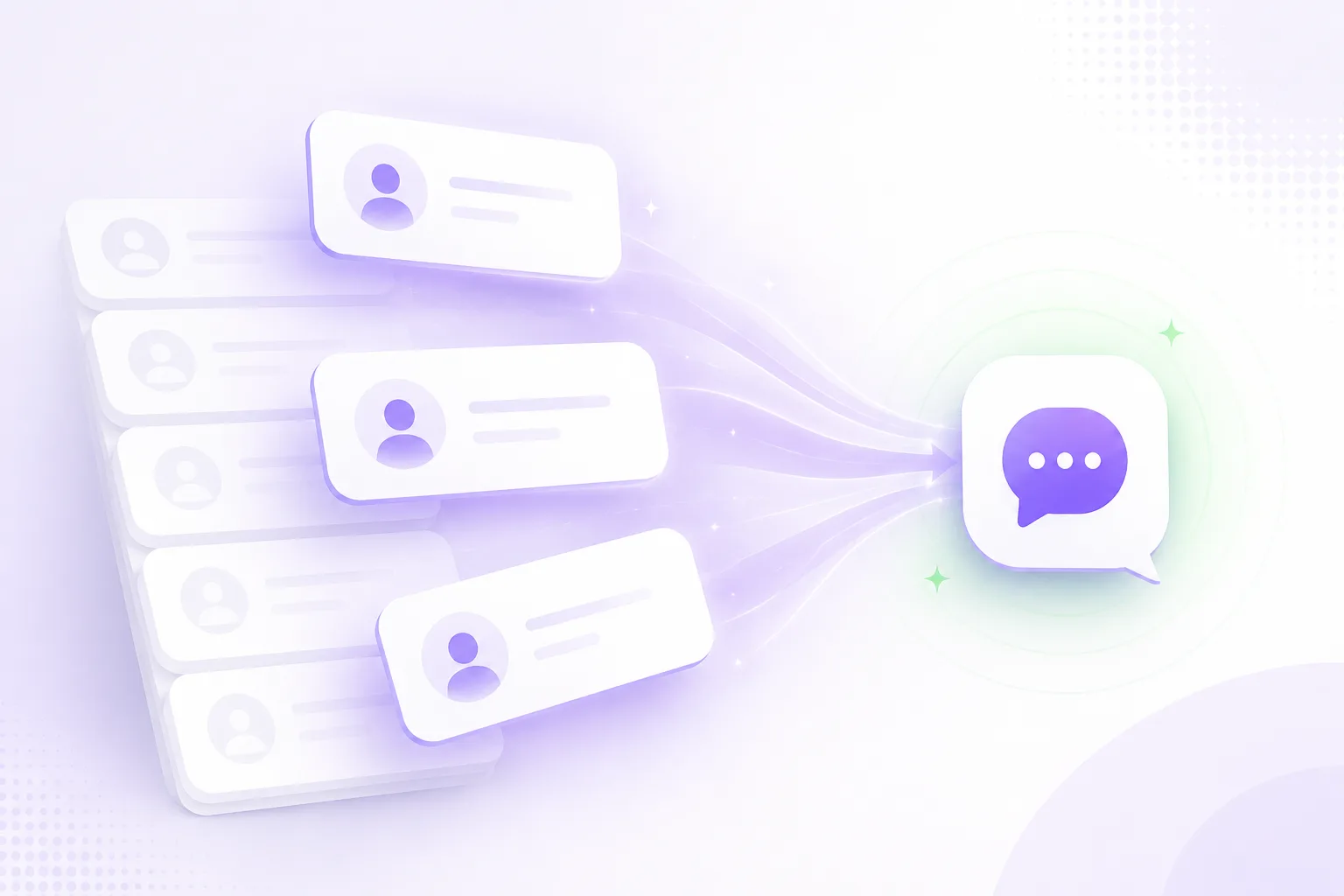
Anyone who already knows you: past attendees, members, lapsed contacts, or people who've bought from you before. Even if that was two years ago.
The Activation Workflow
Reach anyone who's already shown interest, on the channels they already use, and get them back as confirmed registrations, without months of email chasing.
Works across: WhatsApp, Email, Web, Voice
Most event teams already have a warm audience sitting in their CRM. The challenge is turning that audience back into registrations without months of email chasing, website drop-off, and manual follow-up.
01
Anyone who already knows you: past attendees, members, lapsed contacts, or people who've bought from you before. Even if that was two years ago.
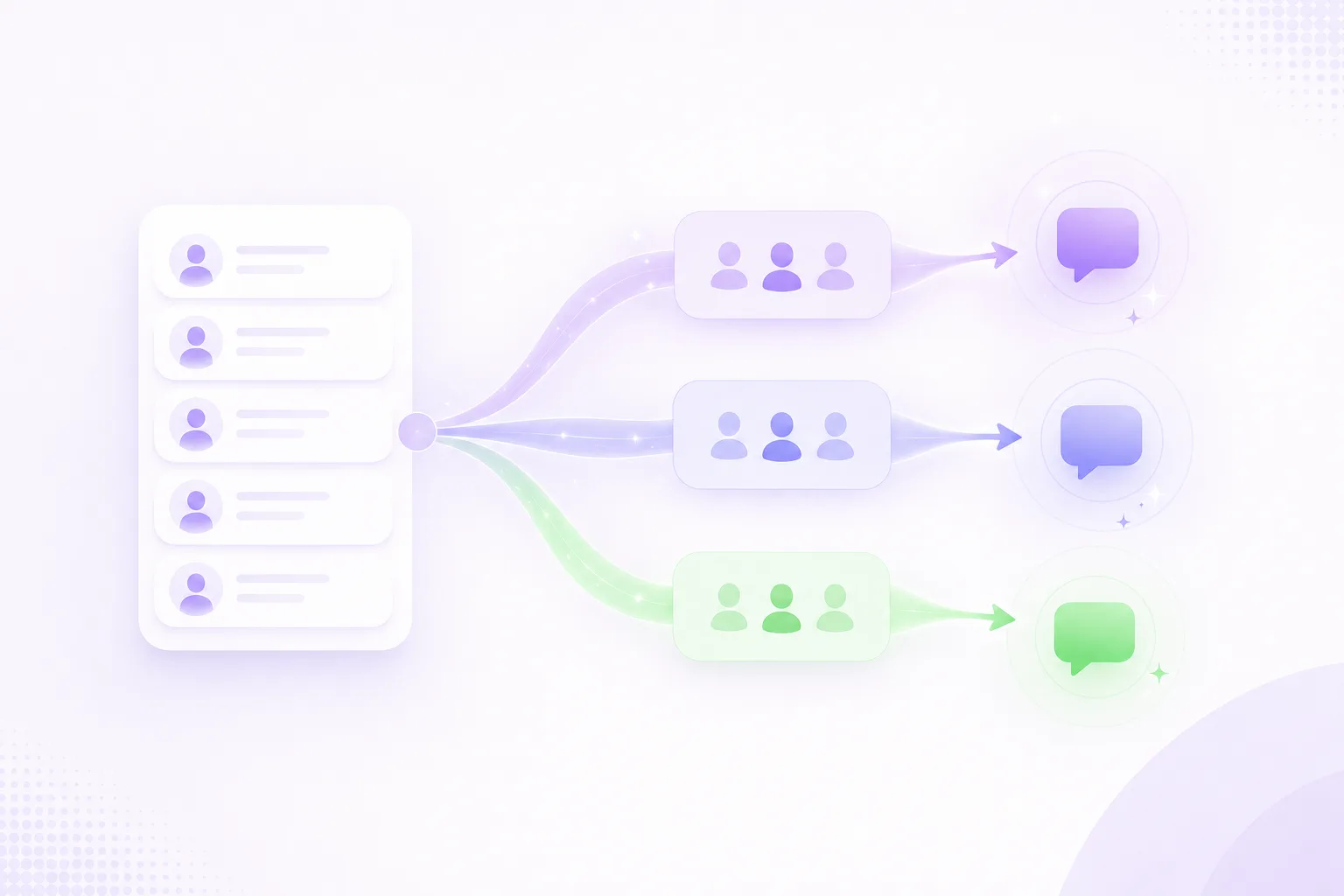
02
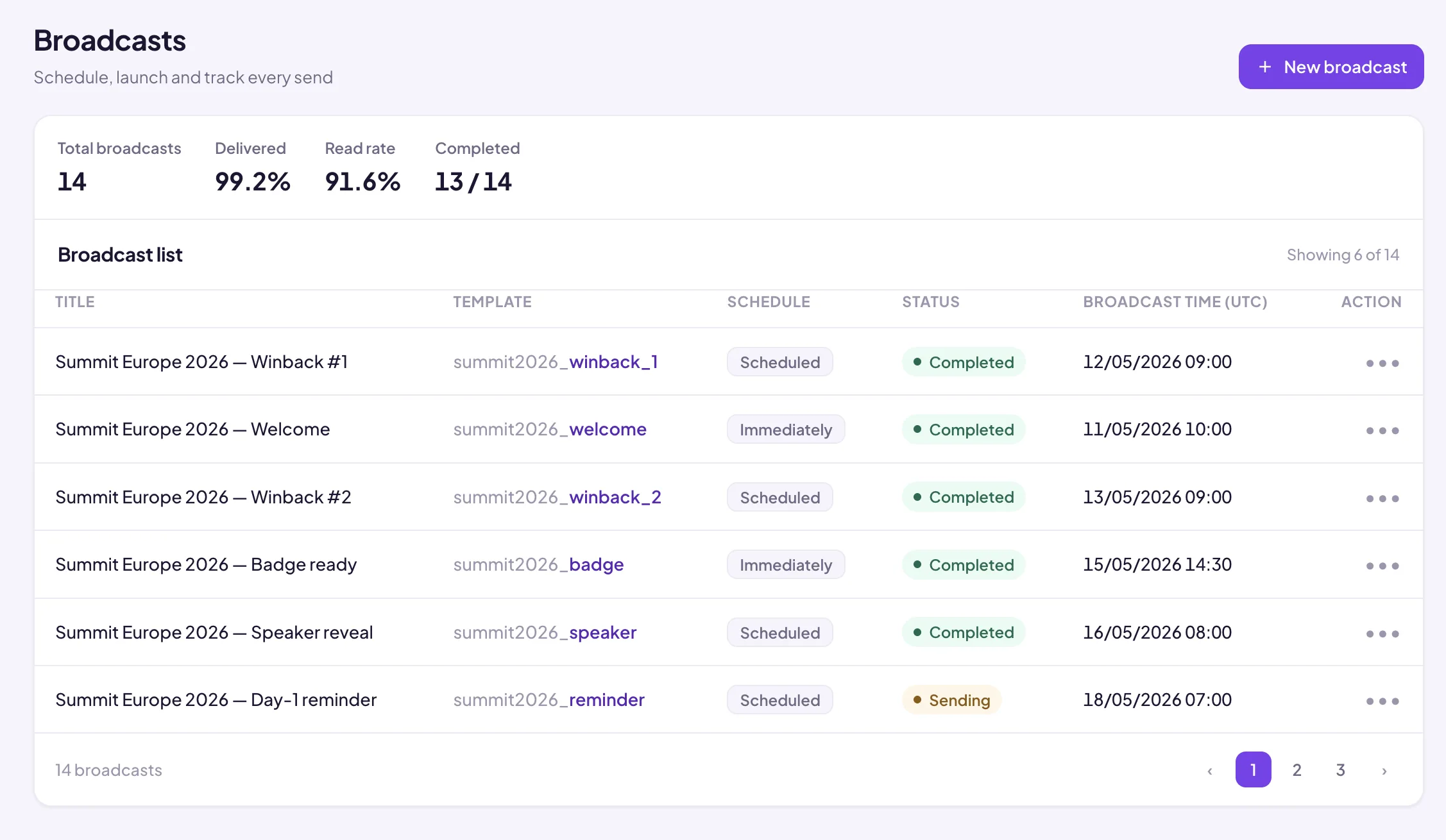
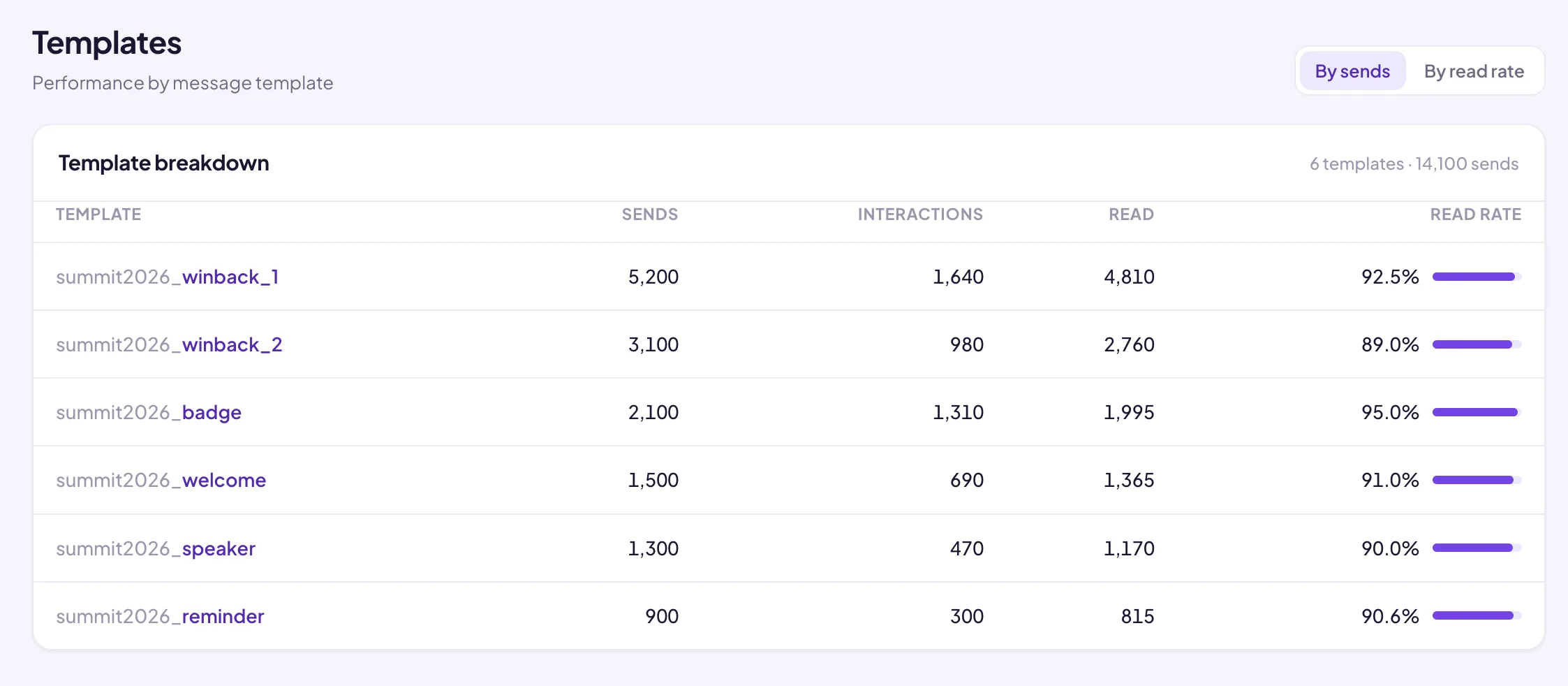
Segment by event, region, or audience type and send a tailored message to each group. Every template is managed from a single dashboard, so your team can run campaigns across a portfolio without duplicating effort.
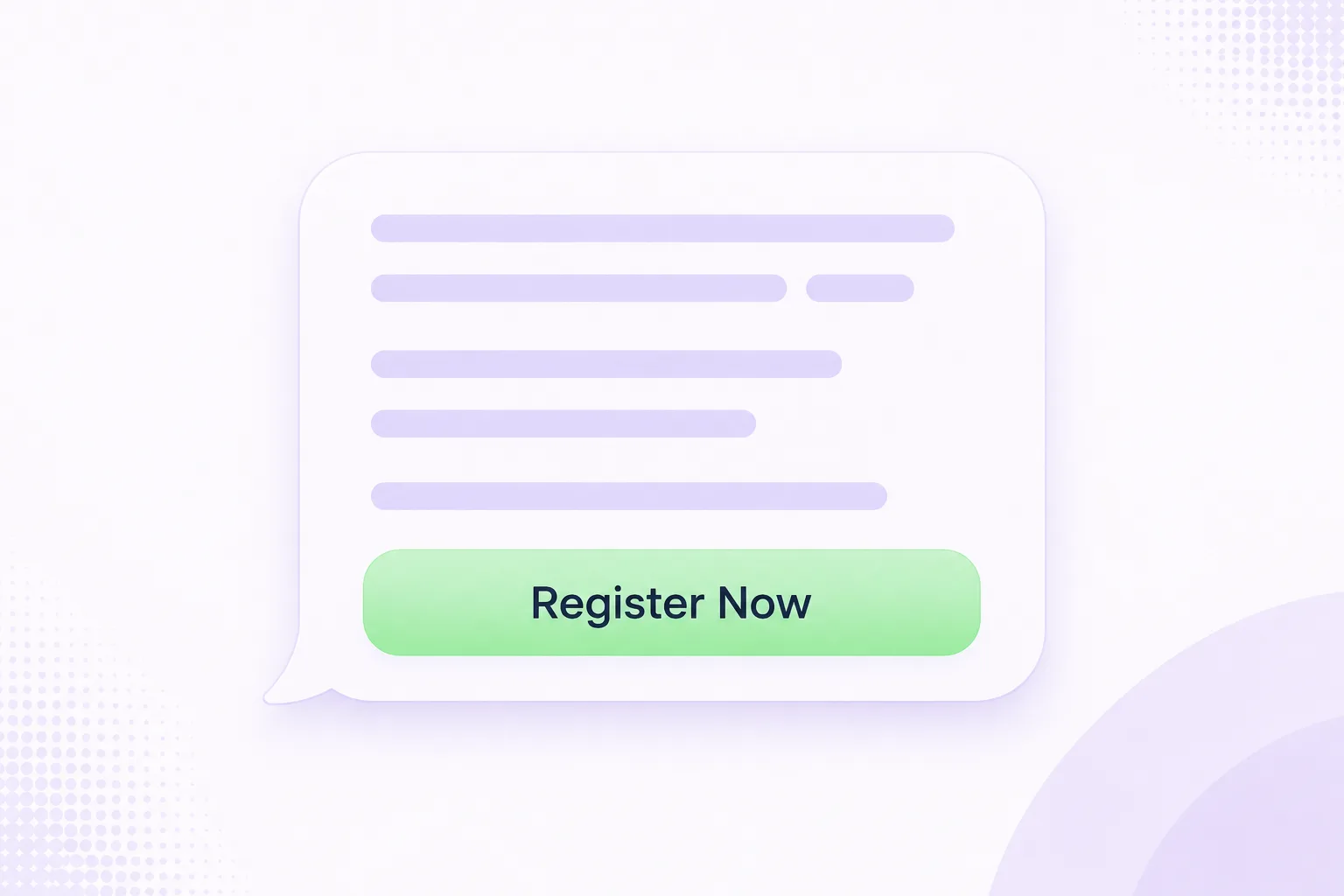
03
The message arrives in the channel they already use. They confirm their details and re-register without leaving the conversation. No form to find, no login to remember.
The same activation flow runs across every opted-in channel. The platform adapts to audience behaviour, market requirements and platform rules automatically.
Control
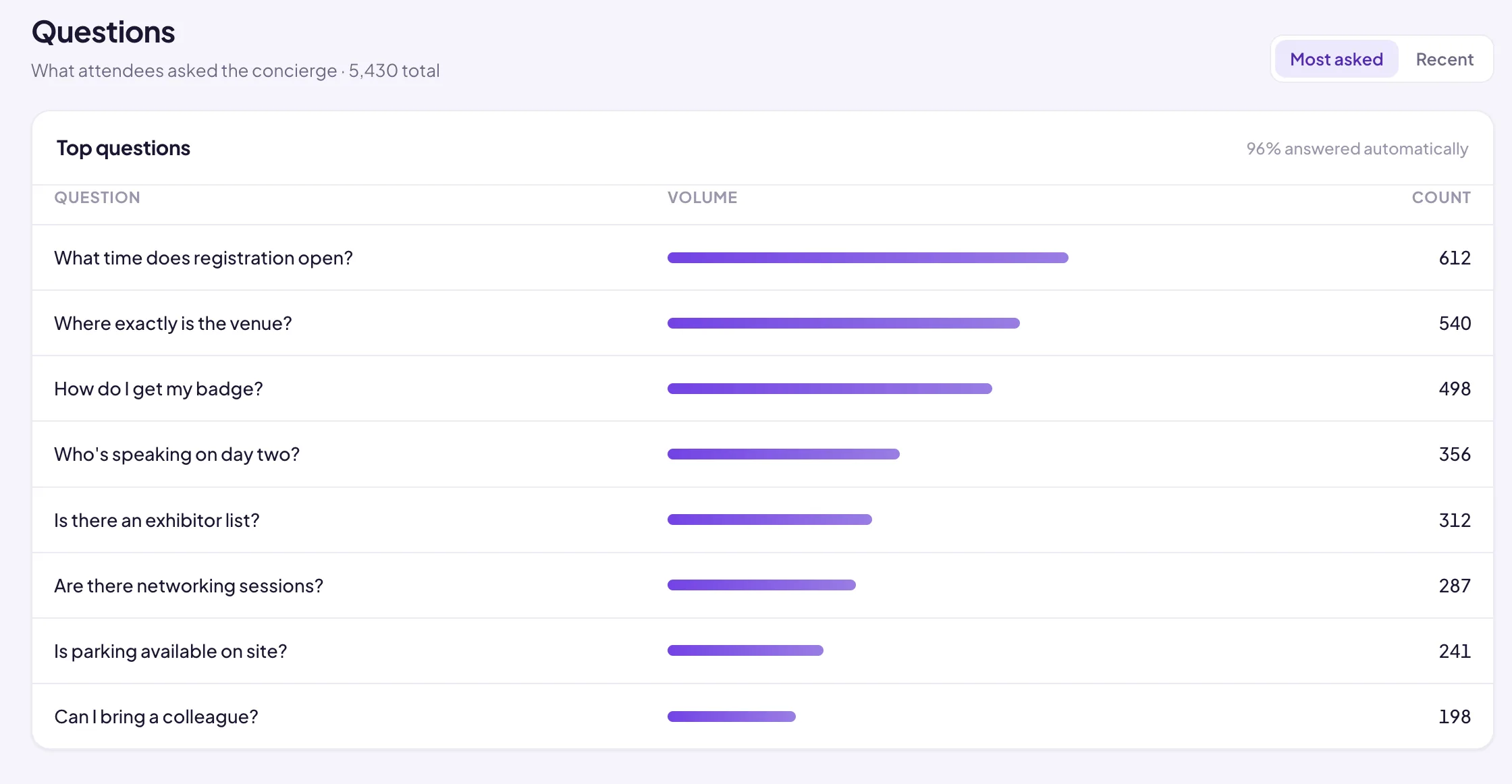
Build segments, schedule broadcasts, track performance and keep every message on-brand.
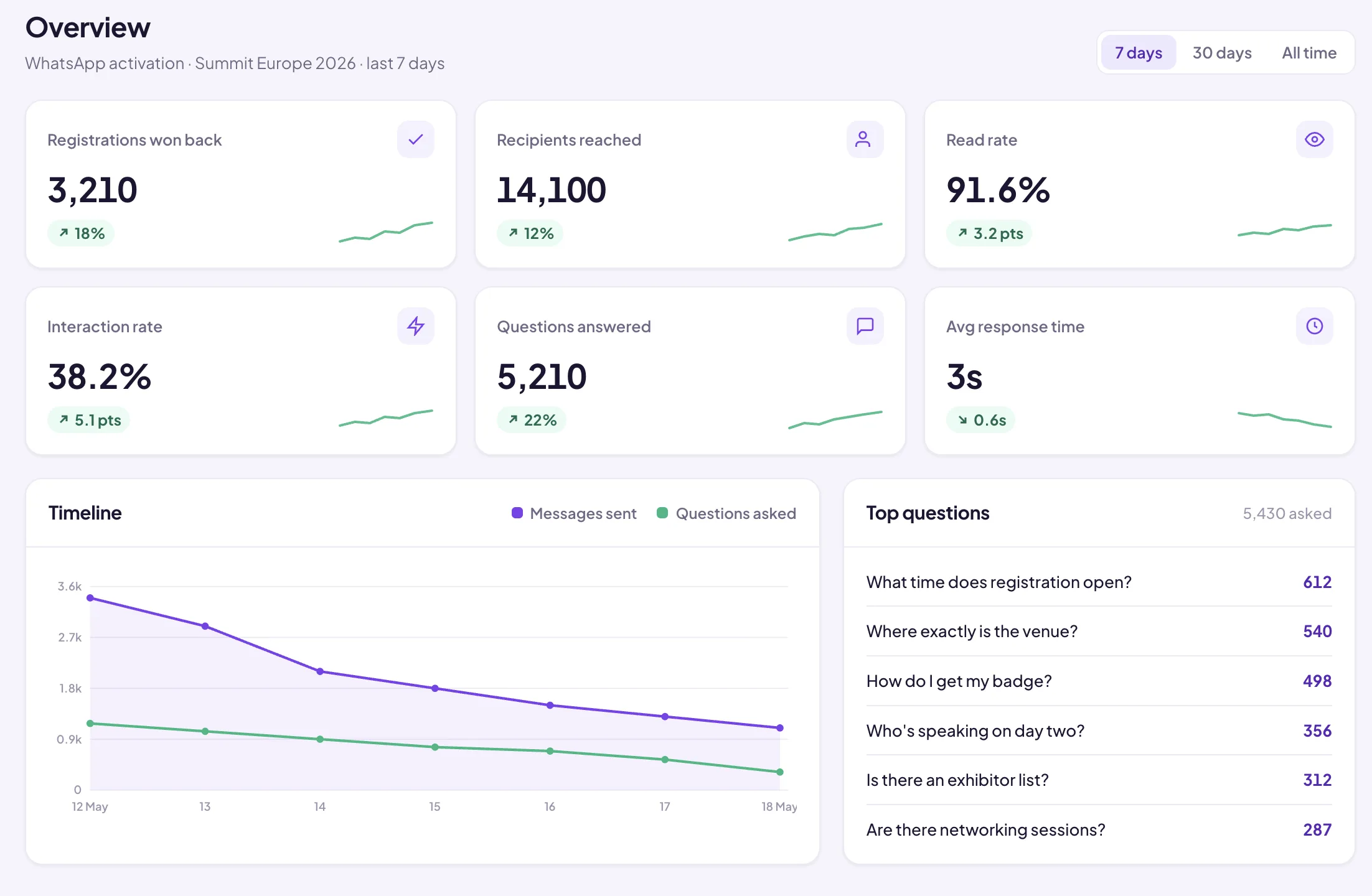
Terrapinn · Case Study
Bridged's Activation workflow brought Terrapinn's prior-year attendees back on WhatsApp, in a couple of taps, across 16 events.
Start here
One workflow on one event, built and run by Bridged.
The same flat fee whatever the size of your event.
The Validation Pack
£5,000
one-off, flat fee
The handbook shows you which numbers actually prove that reactivation worked, and who in your team should be reporting them.
Launching October 2026 · Free on launch
Turn your existing database, past attendees, members and lapsed contacts, into confirmed registrations with a repeatable activation flow your marketing team can run across events, regions and channels.
Book a 20-minute demoWhat event teams ask us most about the Activation workflow.